
Skip to product information
1 of 1

Aruba

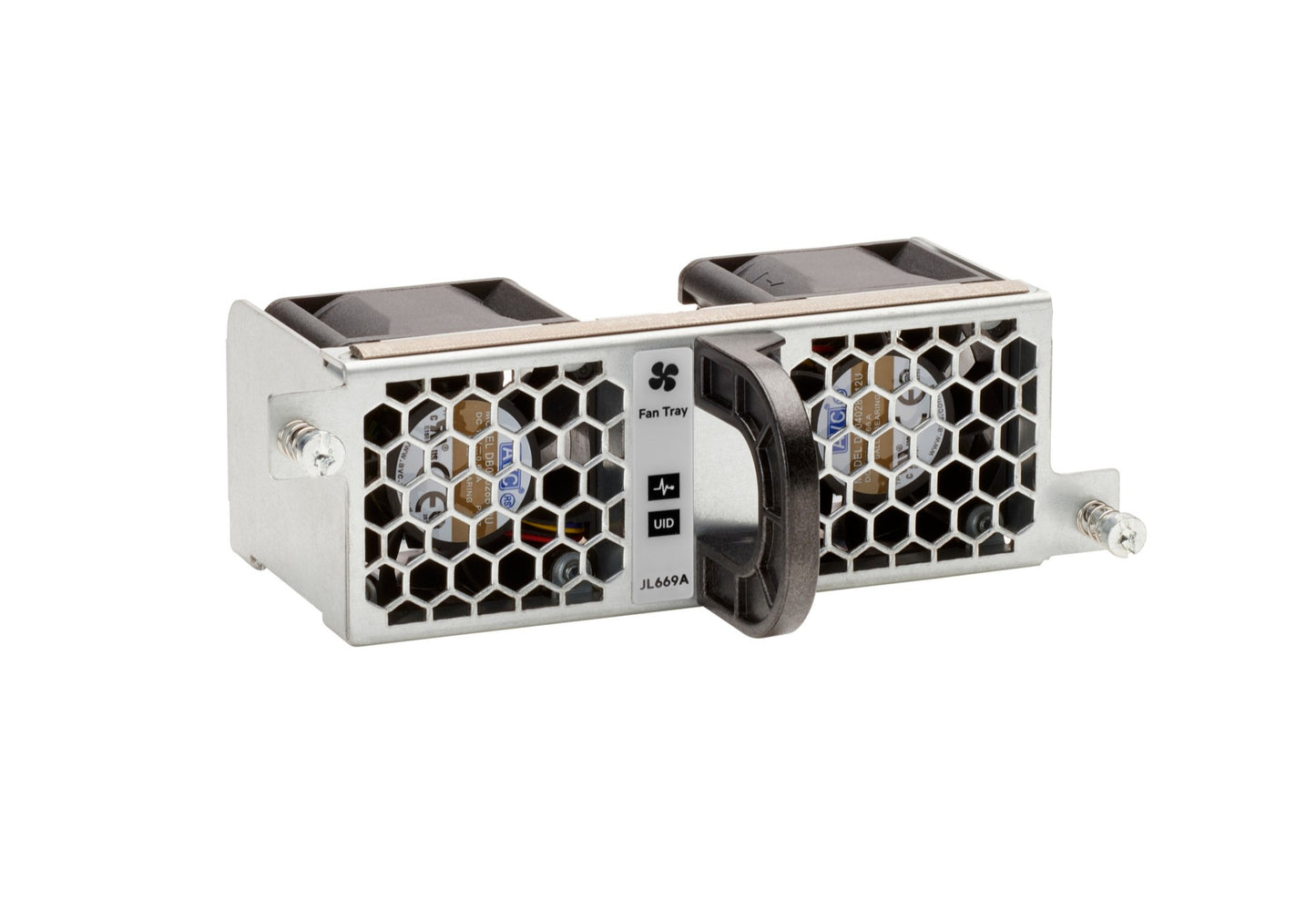
Aruba JL669B | Fan tray | airflow: front-to-back | hot-swap | field-replaceable

SKU:JL669B

Regular price POA
POA
POA
Sale Sold out
Taxes included. Shipping calculated at checkout.

Description

Front-to-back airflow fan tray designed to maintain proper thermal directionality in compatible switches and data center racks. Field-replaceable and hot-swappable to minimize downtime during maintenance. Use the correct airflow orientation to match rack cooling policies and adjacent equipment.

Features

- Maintains proper rack airflow directionality (front-to-back)
- Hot-swap design minimizes maintenance downtime
- Field-replaceable for quick onsite service
- Engineered for reliable thermal performance in dense deployments

Warranty

All products sold by XS Network Tech include a 12-month warranty on both new and used items. Our in-house technical team thoroughly tests used hardware prior to sale to ensure enterprise-grade reliability.

All technical data should be verified on the manufacturer data sheets.

View full details
specs-tabs

Collapsible content

Technical Specifications

FAQs

Technical Specifications

- Type: Modular fan tray
- Airflow: Front-to-back orientation
- Serviceability: Hot-swappable, field-replaceable unit (FRU)
- Use case: Ensures correct thermal airflow direction in compatible chassis
- Installation: Tool-less or minimal-tool installation (model dependent)
- Compatibility: For select Aruba switches; verify against official compatibility lists

FAQs

Q: What is the airflow direction?
A: Front-to-back, designed to pull cool air from the front and exhaust warm air to the rear.

Q: Can I replace the fan tray without powering down the switch?
A: Yes. It is hot-swappable on supported platforms. Follow the product maintenance guide for safe replacement procedures.

Q: Can I mix front-to-back and back-to-front airflow modules in the same chassis?
A: Mixing airflow directions is not recommended. Always match airflow components to maintain proper cooling.

Q: How do I confirm device compatibility?
A: Consult the official platform compatibility matrix or datasheet for supported models.

  • Related products

Recently Viewed

  • Request a Quote

    Looking for competitive pricing? Submit a request, and our team will provide a tailored quote that fits your needs.

  • Contact Us Directly

    Have a question or need immediate assistance? Call us for expert advice and real-time support.

    Call us Now  
  • Contact Us Directly

    Have a question or need immediate assistance? Call us for expert advice and real-time support.

    Contact us