

Aruba R8R51A | CX 10000 800W AC Power Supply, Port-to-Power (FB)
SKU:R8R51A
Stock Status: Enquire
Need a quote or bulk pricing? Answered within 20 minutes, Sydney business hours.
Description
Description
This 800W AC power supply is built for the Aruba CX 10000-48Y6C Distributed Services Switch, part of the Aruba CX 10000 series. It suits data centre top-of-rack and distributed services deployments where the port side faces the cold aisle, and it is hot-swappable so a unit can be replaced without powering the switch down.
The supply accepts 100-240V AC at 50/60 Hz and auto-ranges across the input range, so no voltage setting is needed. Maximum current is 7.8A. This SKU is the Port-to-Power (front-to-back, FB) airflow version, identified by its red release latch. The chassis has two PSU slots, which allows load sharing, redundancy and fault tolerance. A fully loaded CX 10000-48Y6C draws up to 780W at maximum, which sits within the rating of a single 800W unit.
The airflow direction must match the installed fan trays and any other PSU in the chassis. It pairs with the R8R53A Port-to-Power fan tray and is used in the R8P13A front-to-back bundle. The opposite-airflow unit is R8R52A, which has a blue latch.
Enquire with XS Network Tech for new or used pricing and availability.
Features
Features
Warranty
Warranty
All technical data should be verified on the manufacturer data sheets.
View full details
What is the difference between add to cart and request a quote?
Add to Cart lets you purchase in-stock products immediately at listed pricing.
Request a Quote is for customised pricing, volume-based deals, or orders that need a tailored response.
specs-tabs
Collapsible content
Technical Specifications
FAQs
Technical Specifications
FAQs
Related Products
-
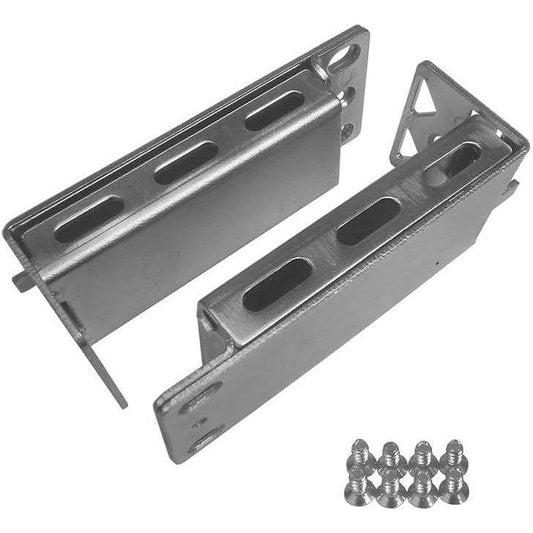 Vendor:Cisco
Cisco RCKMNT-CMPCT-1K | 1RU Rack Mount Kit for Compact Switches, 19in
RCKMNT-CMPCT-1K
In stock
Vendor:CiscoThis 1RU rack mount kit allows compact Cisco switches to be installed in a standard 19-inch EIA-310 ... -
 Vendor:Cisco
Cisco RACKMNT-19-CMPACT | Catalyst 9200CX 19-Inch Rackmount Kit, Compact Switches
RACKMNT-19-CMPACT
In stock
Vendor:CiscoThis 19-inch rackmount kit is designed for Cisco Catalyst 9200CX compact access switches. It include... -
 Vendor:Cisco
Cisco RCKMNT-19-CMPCT | 19-in 1RU Rackmount Kit for Compact Switches
RCKMNT-19-CMPCT
In stock
Vendor:CiscoA 19-inch, 1RU rackmount kit designed for Cisco compact switch models, allowing the switch to be ins... -
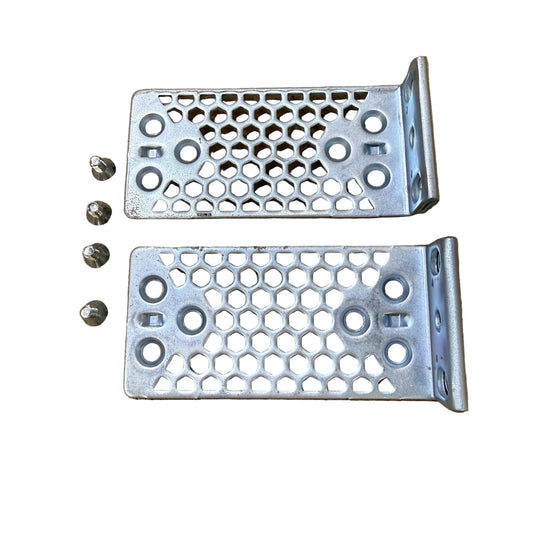
 Vendor:Cisco
Cisco RACK-KIT-T1 | Rack Mount Kit, 19/23/24-Inch and ETSI Type 1
RACK-KIT-T1
In stock
Vendor:CiscoThis rack mount kit is designed for installing network equipment into standard equipment racks. It s... -
Vendor:Cisco
Cisco ACC-KIT-T1 | Rack Mount Kit, Type 1, Fixed Front Ears + Screws
ACC-KIT-T1
In stock
Vendor:CiscoA 19-inch rack mount kit for select Cisco network appliances, supplied with fixed front ears and a s... -
 Vendor:Cisco
Cisco C9500-ACCKITH-19I | Catalyst 9500 High-End 19" Rack Mount Kit
C9500-ACCKITH-19I
In stock
Vendor:CiscoThis 19-inch rack mount accessory kit is designed for the high-end Cisco Catalyst 9500 Series switch... -
 Vendor:Cisco
Cisco C9500-4PTH-KIT | 4-Post Rack Mount Kit for Catalyst 9500 Switch
C9500-4PTH-KIT
In stock
Vendor:CiscoThis 4-post rack mount kit is designed for installing Catalyst 9500 series switches into standard fo... -
 Vendor:Cisco
Cisco C9300L-STACK-KIT | Catalyst 9300L Stacking Kit, StackWise-320, 0.5m
C9300L-STACK-KIT
In stock
Vendor:CiscoThe Catalyst 9300L Stacking Kit is the StackWise-320 backplane stacking accessory for Catalyst 9300L...


Recently Viewed
-

Request a Quote
Looking for competitive pricing? Submit a request, and our team will provide a tailored quote that fits your needs.

